Conversational Forms vs Traditional Forms: Why Conversations Get Better Data
Traditional forms have a completion problem. Conversational AI forms fix it by adapting to each respondent. Here's how they compare and when to use each.
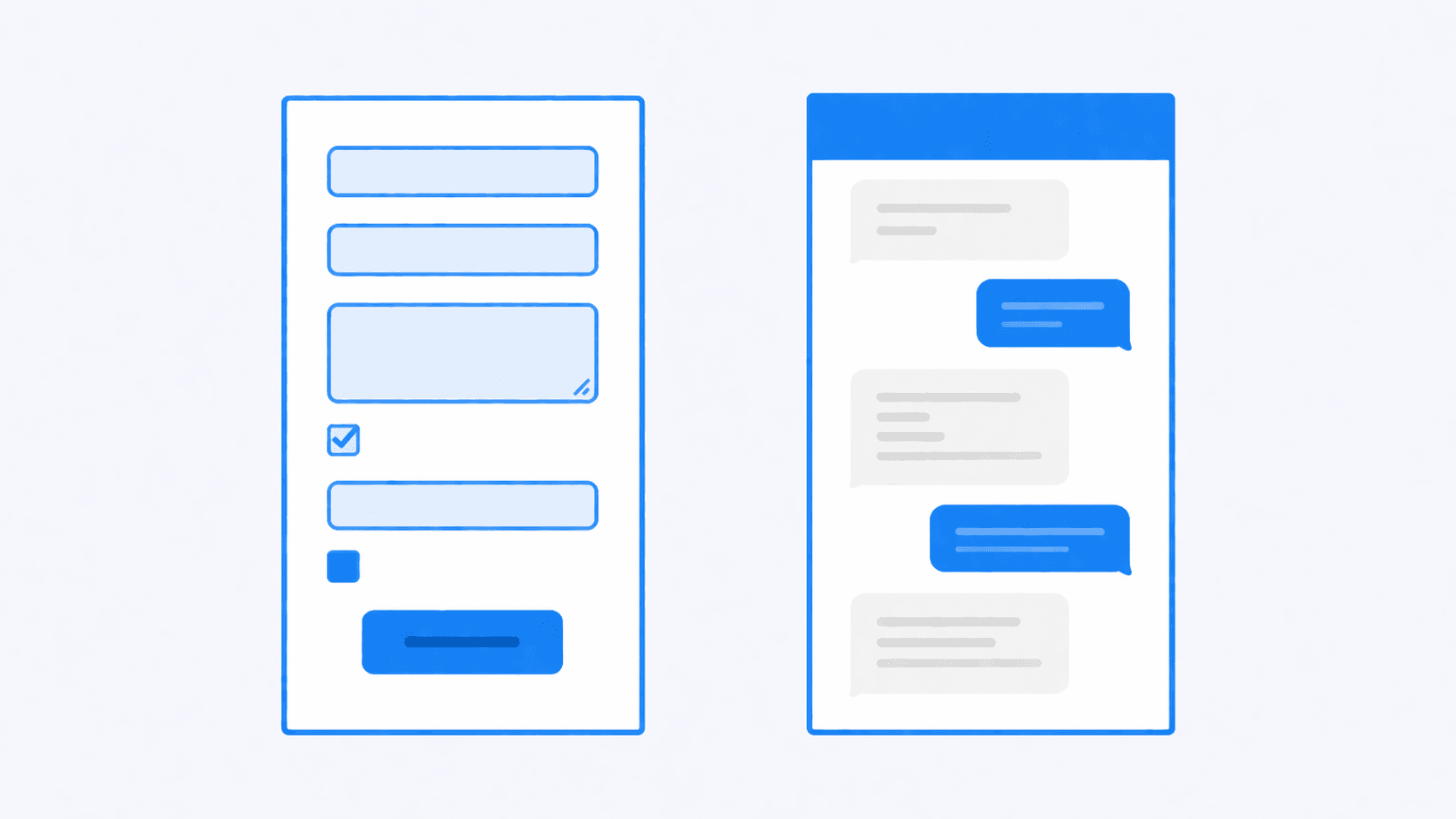
If you've ever built a form — whether it's a survey, a feedback form, or a job application — you've seen the same problem: people don't finish them.
The average online form has a completion rate between 20-40%. That means more than half of the people who start your form give up before the end. And of those who do finish, many rush through, giving you surface-level answers that don't tell you much.
Conversational forms flip the model. Instead of a static list of fields, respondents have a natural conversation with an AI that adapts its questions based on their answers.
How traditional forms work
Traditional form builders (Google Forms, Typeform, JotForm) follow the same basic pattern:
- You create a list of questions
- You choose field types (text, dropdown, checkbox, etc.)
- You arrange them in order
- Respondents fill them out top to bottom
This works fine for simple data collection — "What's your email?" doesn't need a conversation. But it falls apart when you need depth.
A dropdown asking "How was your experience?" with options from 1-5 tells you almost nothing. You get a number. You don't know why they chose that number, what specifically they liked or disliked, or what would make them change their answer.
How conversational forms work
Conversational forms use AI to conduct a natural dialogue:
- You describe what information you want to collect — in plain English
- The AI generates a natural conversation flow
- Respondents chat back and forth, like messaging a person
- The AI asks follow-up questions based on their responses
- You get structured data extracted from the conversation
The key difference: the form adapts to each person. If someone mentions they had a bad delivery experience, the AI follows up on that. If another person loved the product but found the checkout confusing, the AI digs into that instead.
Where traditional forms fall short
The completion problem
Long forms feel like homework. Every additional field increases the chance someone abandons. Form builders have spent years optimizing around this — one question per page, progress bars, conditional logic — but the fundamental issue remains: filling out fields is tedious.
The depth problem
Multiple choice and rating scales are easy to analyze but shallow. Open-ended text fields get better data, but people write as little as possible ("it was fine", "good", "N/A").
The one-size-fits-all problem
Traditional forms ask the same questions in the same order regardless of who's answering. A power user and a first-time visitor get the same form, even though the interesting follow-up questions would be completely different.
Where conversational forms shine
Higher completion rates
Conversations feel lighter than forms. There's no wall of fields staring at you. You answer one question, get a natural follow-up, and before you know it, you've shared detailed feedback without it feeling like work.
Richer responses
When an AI follows up with "That's interesting — can you tell me more about that?" people elaborate. They share context, examples, and nuance that a text field would never capture.
Adaptive depth
The AI spends more time on topics that matter and moves quickly past things that don't. If someone has strong feelings about your pricing, the conversation goes deeper there. If they have nothing to say about your onboarding, it moves on.
When to use which
Use traditional forms when:
- You need simple, structured data (name, email, date)
- The questions are straightforward with known answer options
- You're collecting hundreds or thousands of identical responses
- You need respondents to choose from specific options
Use conversational forms when:
- You need qualitative feedback with depth
- Follow-up questions would vary by respondent
- Completion rate matters (support, feedback, applications)
- You want to understand why, not just what
Getting started
The easiest way to try conversational forms is to pick a use case where you're already struggling with form completion or response quality. Customer feedback, user research, and job applications are common starting points.
With RuntimeForms, you describe what you want to collect in plain English, and the AI handles the conversation. No question logic to configure, no field types to choose — just share a link and review the structured responses.
Ready to try conversational forms?
Create your first AI-powered form in under a minute. Free to use.
Get started for free