Why AI Forms Are Replacing Google Forms (And Why Yours Should Too)
Google Forms is free and familiar — but it's costing you completions, depth, and insight. Here's why AI-powered forms are the smarter choice for collecting real feedback.
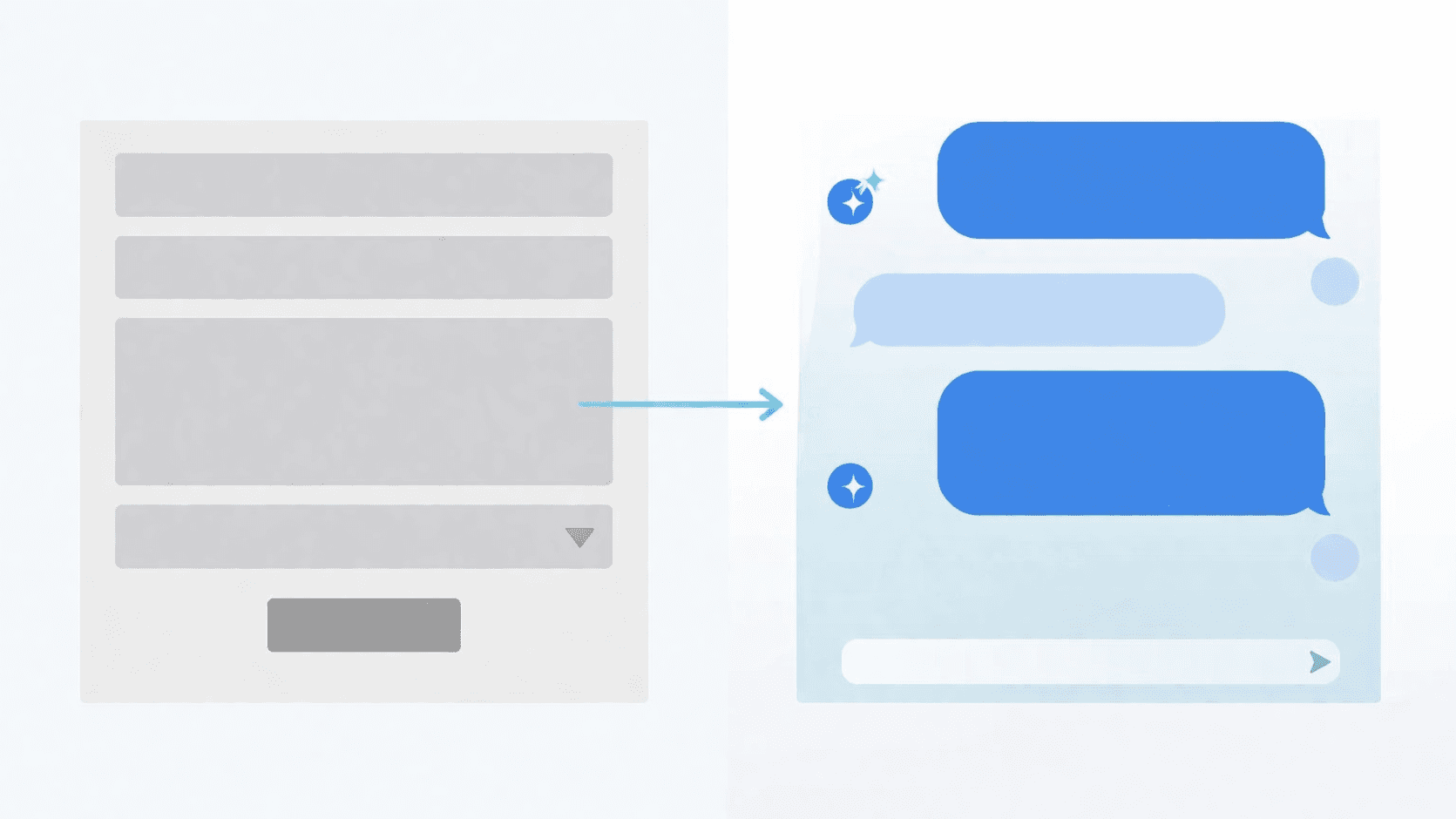
Google Forms has been the default for over a decade. Need a quick survey? Google Forms. Event RSVP? Google Forms. Feedback after a workshop? You guessed it.
It's free, it's familiar, and it gets the job done — until it doesn't.
If you've ever stared at a spreadsheet of one-word answers wondering what your respondents actually meant, you already know the problem. Google Forms collects answers. AI forms collect insight.
Here's why the shift is happening — and why it matters for your next form.
The 5 limitations you're working around
1. Every respondent gets the same questions
Google Forms is linear. Question 1, then 2, then 3. Everyone sees the same thing in the same order, regardless of their answers.
Sure, you can add basic conditional logic — skip to section 4 if they pick "Yes." But that's branching, not adapting. You're still designing every possible path in advance.
AI forms don't need pre-built paths. They listen to each answer and decide what to ask next. A customer who mentions a billing issue gets follow-up questions about billing. One who mentions onboarding gets questions about onboarding. Same form, completely different conversations.
2. Long forms kill your completion rate
The average online form has a completion rate between 20-40%. The longer the form, the worse it gets. Google Forms gives you no way to fight this — every question is visible, every section feels like more work.
AI forms feel like a conversation, not a chore. Respondents answer one question at a time, in a natural back-and-forth. They don't see a wall of 20 fields. They just... talk.
The result? People finish. And they don't rush through the last half just to get it over with.
3. Multiple choice gives you data, not understanding
Google Forms is built around structured inputs — radio buttons, checkboxes, dropdowns, rating scales. These are great for quantitative data but terrible for understanding why.
Why did someone rate you 3 out of 5? What specifically about the onboarding was confusing? Which part of the product made them consider churning?
Multiple choice can't capture that. Open text fields can, but nobody writes paragraphs in a Google Form. AI forms get depth by making it easy to give depth — the conversational format naturally encourages longer, more thoughtful responses.
4. No follow-up means no context
This is the biggest gap. In a real conversation, when someone says something interesting, you ask a follow-up. "Tell me more about that." "What specifically do you mean?" "How did that affect your decision?"
Google Forms can't do this. Every question is predetermined. If someone drops a golden insight in an open text field, the form just moves on to the next unrelated question.
AI forms ask follow-ups in real time. They probe deeper when an answer is vague. They pivot when something unexpected comes up. The form becomes a conversation that's actually worth having.
5. Every Google Form looks like a Google Form
White background. Purple header. The same font on every form from every company. Your brand disappears the moment someone clicks your form link.
First impressions matter — especially when you're asking people to give you their time and honest feedback. A generic-looking form signals "this is routine, don't put effort in."
AI forms can match your brand — your colors, your logo, your tone. The experience feels intentional, not like an afterthought.
When Google Forms is still the right choice
Let's be honest — Google Forms isn't going anywhere, and it shouldn't. It's the right tool when:
- You need a quick internal poll — "What day works for the team lunch?"
- You're collecting simple structured data — sign-up sheets, RSVPs, order forms
- You have zero budget — it's free, and free is hard to argue with
- You need spreadsheet integration — Google Sheets sync is seamless
If your form is simple, structured, and the answers don't need depth, Google Forms does the job fine.
When you need something smarter
Google Forms breaks down when the quality of responses matters more than the quantity of responses. That includes:
- Customer feedback — where you need to understand the "why" behind scores
- User research — where follow-up questions reveal the real insights
- Lead qualification — where adaptive questions separate serious prospects from casual browsers
- Exit surveys — where people will only share honest reasons if the format feels natural
- Any form over 10 questions — where completion rate becomes your biggest enemy
In these cases, the form itself is the bottleneck. A better form doesn't just collect more responses — it collects better ones.
The shift is already happening
Teams are realizing that the tool they use to collect feedback shapes the feedback they get. Static forms get static answers. Conversational forms get conversations.
The question isn't whether AI forms will replace traditional ones for high-stakes data collection. It's whether you'll make the switch before your competitors do.
Ready to see the difference? Create your first AI form — it takes under a minute, and it's free during the beta.
Ready to try conversational forms?
Create your first AI-powered form in under a minute. Free to use.
Get started for free